Course description
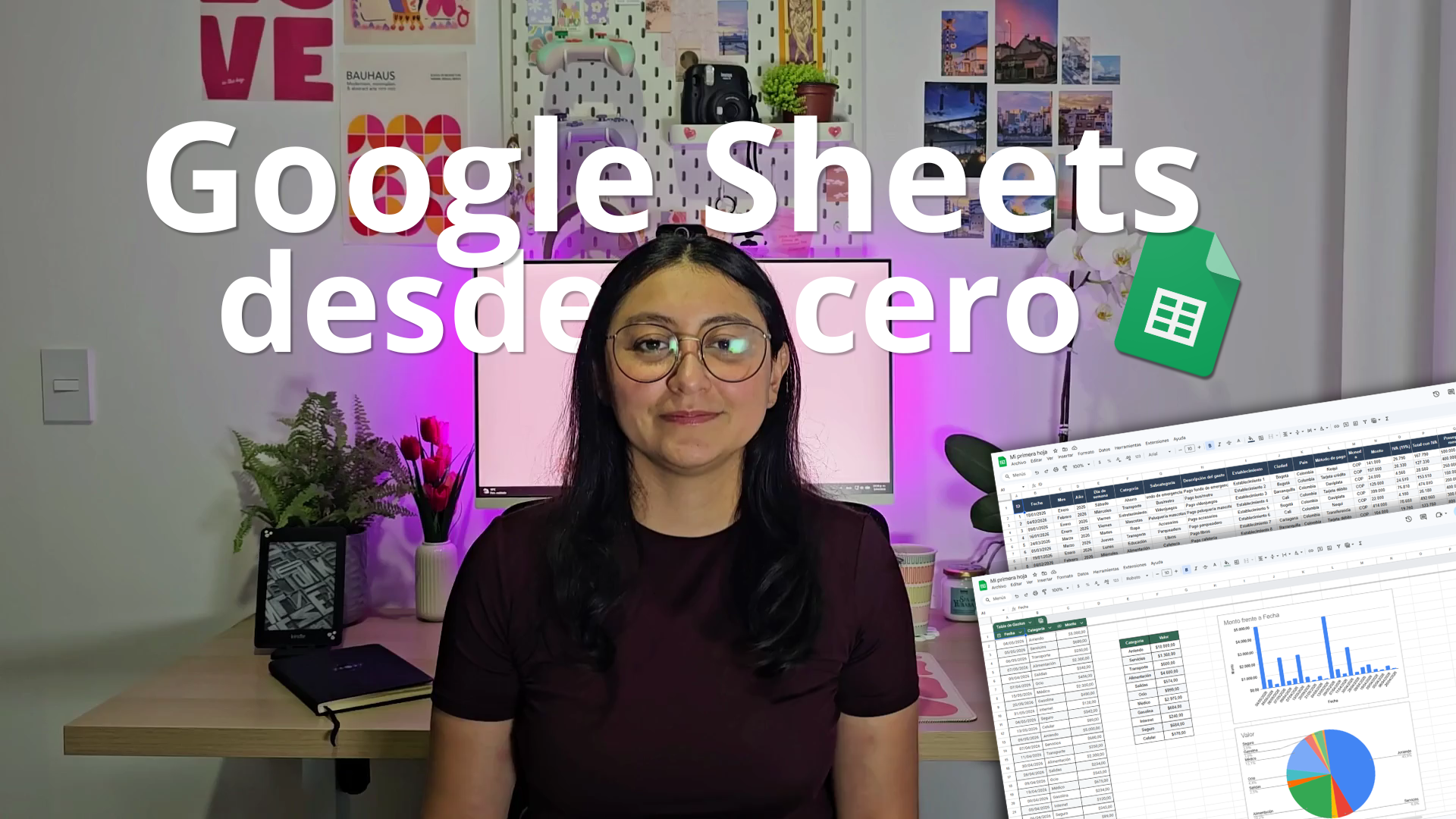
Learn how to use Google Sheets from scratch, organizing data, applying formulas, and taking advantage of practical tools to work more efficiently.
What you'll learn
Explore the modules and open any chapter you want to watch.
Módulo 1
4 chapters1.1 Introduction
Click to view description
0:52
▼
1.1 Introduction
Click to view description
0:52
▼Introduction is part of the «Módulo 1» module. Review this content to advance in the course and apply what you've learned in practice.
View chapter1.2 The Interface and Getting Started
Click to view description
20:57
▼
1.2 The Interface and Getting Started
Click to view description
20:57
▼The Interface and Getting Started is part of the «Módulo 1» module. Review this content to advance in the course and apply what you've learned in practice.
View chapter1.3 Essential Formulas for Everyday Life
Click to view description
9:44
▼
1.3 Essential Formulas for Everyday Life
Click to view description
9:44
▼Essential Formulas for Everyday Life is part of the «Módulo 1» module. Review this content to advance in the course and apply what you've learned in practice.
View chapter1.4 Formats and Charts for Presenting Your Data
Click to view description
15:52
▼
1.4 Formats and Charts for Presenting Your Data
Click to view description
15:52
▼Formats and Charts for Presenting Your Data is part of the «Módulo 1» module. Review this content to advance in the course and apply what you've learned in practice.
View chapter